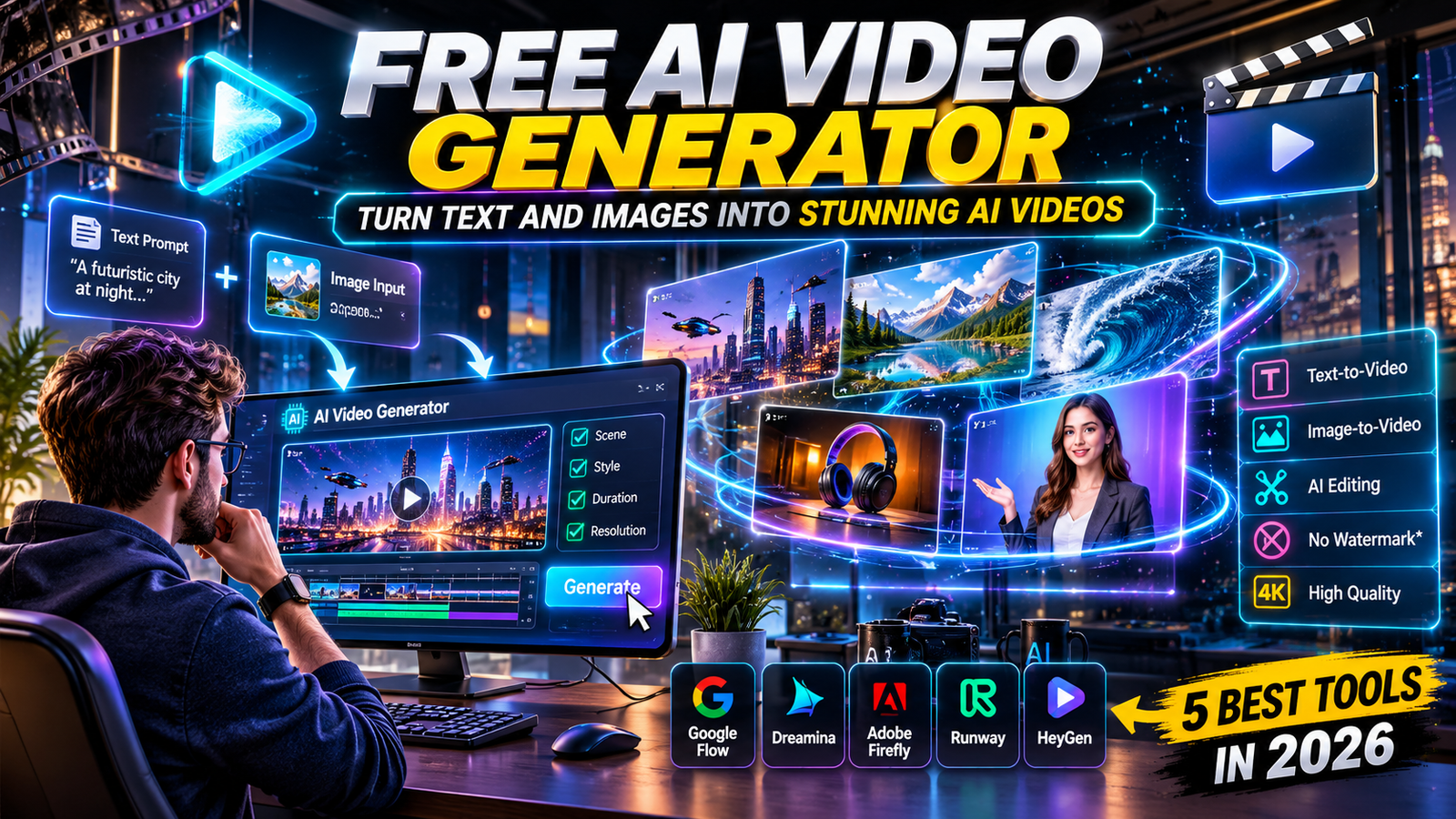
A free AI video generator creates videos from text prompts, images, or other visual inputs without requiring traditional filmmaking equipment. Tools such as Google Flow, Dreamina, Adobe Firefly, Runway, and HeyGen offer free access with different limits on credits, video duration, watermarks, and export options.
At a Glance: Best Free AI Video Generators
- Google Flow: Offers 50 daily credits for experimenting with AI-generated cinematic videos.
- Dreamina: Provides daily free credits for supported image and video generation workflows, with regional differences.
- Adobe Firefly: Offers limited daily generations for exploring AI-powered video creation.
- Runway: Includes 125 one-time credits for testing its creative tools.
- HeyGen: Provides three free videos per month, with a maximum duration of one minute.
- Important: Free access does not necessarily include unlimited generation, watermark-free downloads, or commercial usage rights.
What Is a Free AI Video Generator?
A free AI video generator is an artificial intelligence tool that transforms written descriptions, images, or other inputs into video content.
Instead of recording every scene with a camera, users can describe what they want to see. The AI model interprets those instructions and generates corresponding visual sequences.
For example, imagine entering this prompt:
Create a cinematic video of a futuristic city at night. Show illuminated skyscrapers, flying vehicles, reflective streets, and realistic atmospheric lighting. Use a slow aerial camera movement and professional science-fiction cinematography.
An AI video generator can transform this description into a short visual sequence.
Some platforms also support image-to-video generation. This feature animates existing photographs, illustrations, product images, and digital artwork.
The technology is becoming useful for content creators, marketers, educators, designers, and businesses.
However, not every free AI video maker works in the same way. Some generate cinematic footage, while others create digital presenters or help assemble complete videos.
5 Best Free AI Video Generator Tools in 2026
Choosing the right platform depends on your creative requirements.
Some tools specialize in realistic video generation. Others focus on professional creative workflows or presenter-based content.
Here are five platforms worth exploring.
1. Google Flow: Best for Cinematic AI Video Generation
Google Flow is an AI filmmaking platform designed to help creators develop cinematic clips, scenes, and visual stories.
It combines Google’s generative models with tools for creating and editing video sequences.
The platform is particularly interesting for creators who want more than simple animated slideshows.
Key Features
- Text-to-video generation.
- Frames-to-video workflows.
- Ingredients-to-video generation.
- Video-to-video editing.
- Scene building.
- Video extension where supported.
- AI-powered creative workflows.
Free Plan and Credits
Google Flow provides 50 daily credits to users without a Google AI subscription. However, the number of videos you can generate depends on the selected model and its credit requirements.
Google also documents restrictions during certain peak periods. Non-subscribers may temporarily lose access to video generation during those periods.
Best For: Cinematic storytelling, creative experiments, concept videos, and short visual scenes.
Limitations: Credit consumption varies by model. Certain advanced features require a subscription, and regional availability restrictions apply.
Official website: https://labs.google/fx/tools/flow
2. Dreamina: Best for Text-to-Video and Image Animation
Dreamina is an AI-powered creative platform that supports image and video generation.
It is useful for people who want to transform written ideas or existing images into short video sequences.
Its video-generation workflows include text-based prompts and image-based instructions, depending on the available model.
Key Features
- Text-to-video generation.
- Image-to-video generation.
- Reference-based creative workflows.
- AI image generation.
- Visual refinement tools.
- Multiple generation models, depending on account access.
Free Plan and Credits
Dreamina offers daily free credits for supported creative workflows. Its published information lists 120 daily credits for eligible US free accounts, while other regions may receive different allowances.
The number of videos depends on the model, duration, resolution, and generation settings.
Therefore, 120 credits should not be interpreted as a guaranteed number of free videos.
Best For: Social media creators, beginners, digital artists, and people experimenting with image animation.
Limitations: Free downloads may contain watermarks. Model availability and credit allowances can vary by region and account.
Official website: https://dreamina.capcut.com/
3. Adobe Firefly: Best for Creative Professionals
Adobe Firefly brings generative AI capabilities into Adobe’s broader creative ecosystem.
Its video tools allow users to experiment with text-based and image-based video generation.
The platform is especially relevant to designers, marketers, and creative professionals who need AI generation alongside traditional editing workflows.
Key Features
- Text-to-video generation.
- Image-to-video generation.
- AI-powered creative editing.
- Video and audio workflows.
- Firefly Boards for visual ideation.
- Integration with Adobe creative applications.
Free Plan and Credits
Adobe offers a free Firefly plan with limited daily generations across supported generative features.
Video generation is included in the available free creative options, but Adobe does not promise a fixed daily number of free videos for every account.
Generation limits and supported models can change.
Best For: Graphic designers, marketing teams, creative professionals, and users already working with Adobe products.
Limitations: Free generations are restricted. Premium features require additional credits or an eligible subscription.
Official website: https://www.adobe.com/products/firefly.html
4. Runway: Best for Professional AI Video Experiments
Runway is an AI creative platform focused on video generation and visual production.
It offers tools for generating and transforming visual content, making it relevant to filmmakers, designers, and digital creators.
The platform provides a useful starting point for people who want to explore professional AI video workflows.
Key Features
- Generative video tools.
- AI image generation.
- Video transformation workflows.
- Creative editing capabilities.
- Multiple AI models on eligible plans.
- Digital asset management.
Free Plan and Credits
Runway’s free plan includes 125 one-time credits.
These credits do not expire, but they do not renew after being used. The selection of models available to free accounts can also change.
Runway confirms that videos generated under its free plan include a watermark.
Best For: Filmmakers, visual designers, and creators evaluating advanced AI video workflows.
Limitations: The free credit balance is limited, free videos are watermarked, and some generation models require a paid subscription.
Official website: https://runwayml.com/
5. HeyGen: Best for AI Avatar Videos
HeyGen focuses on creating videos featuring digital presenters and AI-generated avatars.
Instead of generating cinematic environments as its primary workflow, it helps users turn scripts into presenter-led videos.
This makes it particularly useful for educational, business, and marketing content.
Key Features
- AI avatar generation.
- Script-to-video creation.
- AI-generated voices.
- Multilingual video creation.
- Stock digital presenters.
- Custom avatar options.
Free Plan and Credits
HeyGen’s published free plan includes three videos per month, with each video limited to one minute.
Free videos include a watermark. The platform also provides access to stock avatars and a custom video avatar, subject to its plan conditions.
Best For: Online educators, business owners, marketers, trainers, and creators producing instructional videos.
Limitations: The monthly video allowance is restrictive for frequent publishing. Free exports also include branding.
Official website: https://www.heygen.com/
Free AI Video Generator Comparison
The following comparison highlights the most important differences between these platforms.
| Tool | Free Access | Best Use | Main Limitation |
|---|---|---|---|
| Google Flow | 50 daily credits | Cinematic videos | Model-dependent costs |
| Dreamina | Daily credits, region-dependent | Text and image to video | Variable allowances |
| Adobe Firefly | Limited daily generations | Creative video production | Restricted free usage |
| Runway | 125 one-time credits | Professional experiments | Watermark and no renewal |
| HeyGen | 3 videos monthly | AI presenter videos | One-minute limit |
Which offers the most useful free access?
Google Flow and Dreamina are worth comparing if you want recurring opportunities to experiment. Runway is better understood as a one-time trial allowance. HeyGen suits a different requirement because it focuses on presenter-based content.
Credit numbers are not directly comparable. Different platforms charge different amounts for each generation.
Types of AI Video Generation
Understanding the main generation methods helps you choose the right tool.
Text-to-Video Generation
Text-to-video technology transforms written prompts into moving visual scenes.
Users describe the subject, environment, actions, lighting, and camera movement.
The AI model interprets the instructions and produces a video.
For example, a marketer could request a cinematic product introduction without organizing a physical video shoot.
Common uses include:
- Social media clips.
- Advertising concepts.
- Cinematic backgrounds.
- Educational visuals.
- Creative storytelling.
Google Flow and Dreamina offer relevant text-to-video workflows.
Image-to-Video Generation
Image-to-video technology animates existing visual material.
Users upload a photograph, illustration, or product image and describe how it should move.
For example, a still image of a mountain landscape could become a video featuring moving clouds, flowing water, and a slow camera movement.
This workflow is useful for:
- Product photography.
- Digital artwork.
- Animated illustrations.
- Marketing visuals.
- Presentation backgrounds.
Dreamina and Adobe Firefly provide image-based video-generation options.
AI Avatar Video Generation
AI avatar generators create videos featuring digital presenters.
Users provide a written script and select an available presenter and voice.
The platform generates a video in which the avatar delivers the content.
Common applications include:
- Online lessons.
- Employee training.
- Product demonstrations.
- Business presentations.
- Marketing explanations.
HeyGen is a relevant example of this category.
AI-Assisted Video Editing
AI video editing tools improve existing footage rather than generating every scene from scratch.
They can assist with captions, audio, visual effects, transitions, and background removal.
This is an important distinction when choosing an AI video creation platform.
A dedicated video generator and an AI-powered editor solve different problems.
How to Create a Video Using a Free AI Video Generator
You do not need professional filmmaking experience to create your first AI-generated clip.
Follow this straightforward workflow.
Step 1: Choose Your Video Generator
Start by identifying your intended output.
For cinematic scenes, explore Google Flow or Dreamina. For digital presenters, consider HeyGen. For professional creative experiments, try Runway or Adobe Firefly.
Step 2: Write a Detailed AI Video Prompt
A clear prompt gives the model useful creative direction.
Avoid vague instructions such as:
Create a beautiful city.
Instead, describe the subject, environment, movement, lighting, and visual style.
For example:
Create a photorealistic cinematic video of a futuristic city at night. Show illuminated skyscrapers, flying vehicles, reflective streets, and atmospheric blue lighting. Use a slow aerial camera movement, realistic environmental details, and professional science-fiction cinematography.
This gives the generator more information about the intended result.
Step 3: Select Video Settings
Choose the available generation settings before submitting your prompt.
Depending on the platform, these may include:
- Aspect ratio.
- Video duration.
- Resolution.
- Generation model.
- Visual style.
- Reference images.
- Camera movement.
Use 16:9 for standard landscape YouTube videos and 9:16 for vertical social media content.
Step 4: Generate and Review the Video
Submit your prompt and allow the platform to generate the video.
Review the entire result rather than judging it from the preview alone.
Check for distorted faces, unnatural movements, inconsistent objects, and unexpected visual changes.
If the output does not match your idea, improve the prompt and try again.
Step 5: Edit and Export
The generated clip may require additional editing.
Add narration, subtitles, music, branding, or transitions where appropriate.
Before exporting, verify the resolution, watermark, download conditions, and licensing requirements.
Benefits of Using Free AI Video Generators
AI video generation offers several practical advantages.
Reduced Production Costs
Traditional video production can require cameras, lighting equipment, actors, locations, and editing resources.
AI tools can reduce these requirements for certain creative projects.
Creators can test visual ideas without arranging a complete production.
Faster Creative Experimentation
AI generators make it easier to explore different scenes, environments, and visual styles.
Instead of manually producing every concept, creators can generate multiple versions and compare the results.
This is particularly useful during storyboarding and early creative development.
Accessible Video Creation
Most browser-based generators use relatively straightforward interfaces.
Beginners can start with written prompts or reference images without learning complicated filmmaking software.
More Content Ideas for Social Media
Creators can use generated clips as visual elements in:
- YouTube videos.
- Instagram Reels.
- TikTok content.
- Facebook videos.
- Website backgrounds.
- Digital advertisements.
However, an AI-generated clip is not automatically a finished video. Editing and quality control remain important.
Limitations of Free AI Video Generators
Free access is useful, but it comes with practical restrictions.
Understanding these limitations can prevent wasted time and credits.
Limited Generation Credits
Most hosted video generators use credits to control access to computing resources.
A generation may consume different amounts depending on the model, duration, resolution, and selected features.
A platform offering 100 credits does not necessarily provide more videos than one offering 30 credits.
Always check the cost of an actual generation before submitting it.
Watermarks on Downloaded Videos
Some free platforms add branding to exported videos.
This may be acceptable for personal experiments but unsuitable for client work or professional publishing.
Runway and HeyGen explicitly document watermarks on their free outputs.
Video Resolution and Duration Restrictions
Free accounts may have restrictions on video length and export quality.
A platform might allow you to generate a preview but limit the available download options.
Check the final export settings, not just the generation interface.
Inconsistent Visual Quality
AI-generated videos can contain visual errors.
Common problems include:
- Distorted hands and faces.
- Changing character appearances.
- Unnatural movements.
- Inconsistent backgrounds.
- Incorrect object interactions.
- Unexpected scene transitions.
Longer sequences can make these problems more noticeable.
Internet and Processing Requirements
Most online AI video generators process requests through remote servers.
A stable internet connection is usually necessary for uploading files, submitting prompts, and downloading results.
Processing speed can also vary with server demand and account priority.
Can You Use Free AI-Generated Videos Commercially?
Commercial usage depends on the platform’s licensing terms, selected model, and subscription conditions.
A free account does not automatically provide unrestricted commercial rights.
For example, Adobe provides commercial-use guidance for Firefly outputs, subject to applicable feature and beta conditions.
Other providers may apply different restrictions to free users.
Before publishing a video for a business or client, check:
- Whether the specific model permits commercial use.
- Whether free accounts receive commercial rights.
- Whether uploaded reference images can legally be used.
- Whether music and voice assets have separate licensing conditions.
- Whether attribution is required.
- Whether the generated content includes protected characters, trademarks, or copyrighted material.
Commercial permission also does not guarantee that every generated result is free from intellectual property concerns.
Privacy and Security Considerations
Online AI video generators may process uploaded images, prompts, audio, and video files on remote servers.
This matters when creating content involving confidential business information or private individuals.
Before uploading sensitive material, review the provider’s privacy policy and data-processing terms.
Pay particular attention to:
- File retention periods.
- Model-training policies.
- Uploaded content storage.
- Account deletion procedures.
- Business data protections.
- Third-party service providers.
Do not assume that a paid subscription automatically provides Zero Data Retention.
SOC 2 and Zero Data Retention describe different security and data-handling concepts. One does not automatically establish the other.
For confidential business projects, review the actual contractual commitments before uploading files.
Free vs. Paid AI Video Generators
Free and paid plans often provide access to different levels of production flexibility.
| Feature | Free Plans | Paid Plans |
|---|---|---|
| Generation credits | Limited | Usually higher allowances |
| Video duration | Often restricted | More flexibility |
| Export resolution | May be limited | Higher options on eligible plans |
| Watermarks | Common on some platforms | Often removable |
| Processing priority | May be restricted | Often improved |
| Advanced models | Limited access | Broader access |
| Commercial permissions | Plan-dependent | Plan-dependent |
| Team collaboration | Often limited | More options |
Paid subscriptions do not guarantee better creative results.
The underlying model, prompt quality, and production workflow still influence the final video.
Who Should Use a Free AI Video Generator?
Different users have different video-generation requirements.
| User Type | Recommended Platform | Suitable Projects |
|---|---|---|
| Beginners | Dreamina | Short creative clips |
| YouTubers | Google Flow | Cinematic visual scenes |
| Social media creators | Dreamina | Image animation and short videos |
| Marketers | Adobe Firefly | Promotional concepts |
| Educators | HeyGen | Presenter-led lessons |
| Filmmakers | Runway | Creative video experiments |
| Business owners | HeyGen | Training and presentations |
The best choice depends on the type of video you want to produce.
Common Mistakes to Avoid
Even advanced AI models can produce disappointing results when users approach video generation incorrectly.
Using Vague Prompts
A short prompt may not provide enough creative direction.
Describe the subject, location, movement, camera angle, lighting, and visual style.
Expecting Long Videos From One Generation
Many AI models specialize in short clips.
For longer projects, generate separate scenes and combine them in a video editor.
Ignoring Aspect Ratios
A landscape video may not fit a vertical social media platform correctly.
Select the intended format before generating.
Wasting Credits on Random Experiments
Repeatedly submitting incomplete prompts can consume limited credits.
Develop your concept first, then make controlled changes to improve the output.
Ignoring Download and Licensing Restrictions
A video that downloads successfully is not necessarily approved for every commercial purpose.
Always review the applicable terms before publishing.
Frequently Asked Questions
1. What is the best free AI video generator in 2026?
Google Flow is a strong option for creators interested in cinematic AI video generation. It provides 50 daily credits without a Google AI subscription. Dreamina, Adobe Firefly, Runway, and HeyGen are alternatives for different creative workflows.
2. Can I generate AI videos for free without a watermark?
Yes, some free tools and generation workflows may provide videos without visible watermarks. However, watermark policies vary by platform, model, and account. Check the download conditions before creating your final video.
3. Can I create videos from text using AI for free?
Yes. Text-to-video generators transform written descriptions into visual sequences. Google Flow, Dreamina, and Adobe Firefly offer text-based video-generation workflows, subject to their free-plan restrictions.
4. Are free AI video generators suitable for YouTube?
Yes. You can use AI-generated clips in YouTube videos, Shorts, tutorials, and creative projects. However, you must follow the generator’s licensing terms and YouTube’s applicable content policies, including disclosure requirements where relevant.
5. Do free AI video generators offer unlimited generation?
Most hosted AI video generators do not offer unlimited free generation. They generally use daily credits, monthly quotas, one-time trial allowances, or other restrictions. Running an open-source model locally can avoid platform credit limits, but requires suitable hardware and technical setup.
Conclusion
A free AI video generator makes video production more accessible to beginners, content creators, marketers, educators, and businesses.
Google Flow, Dreamina, Adobe Firefly, Runway, and HeyGen offer different approaches to AI-powered video creation.
Some focus on cinematic scenes, while others specialize in creative editing or digital presenters.
The most important consideration is understanding what each free plan actually provides. Check generation credits, video quality, watermarks, commercial rights, and privacy conditions before choosing a platform.
For beginners, starting with a free account is a practical way to explore AI video creation. As your requirements grow, compare paid features to determine whether an upgrade offers enough additional value.