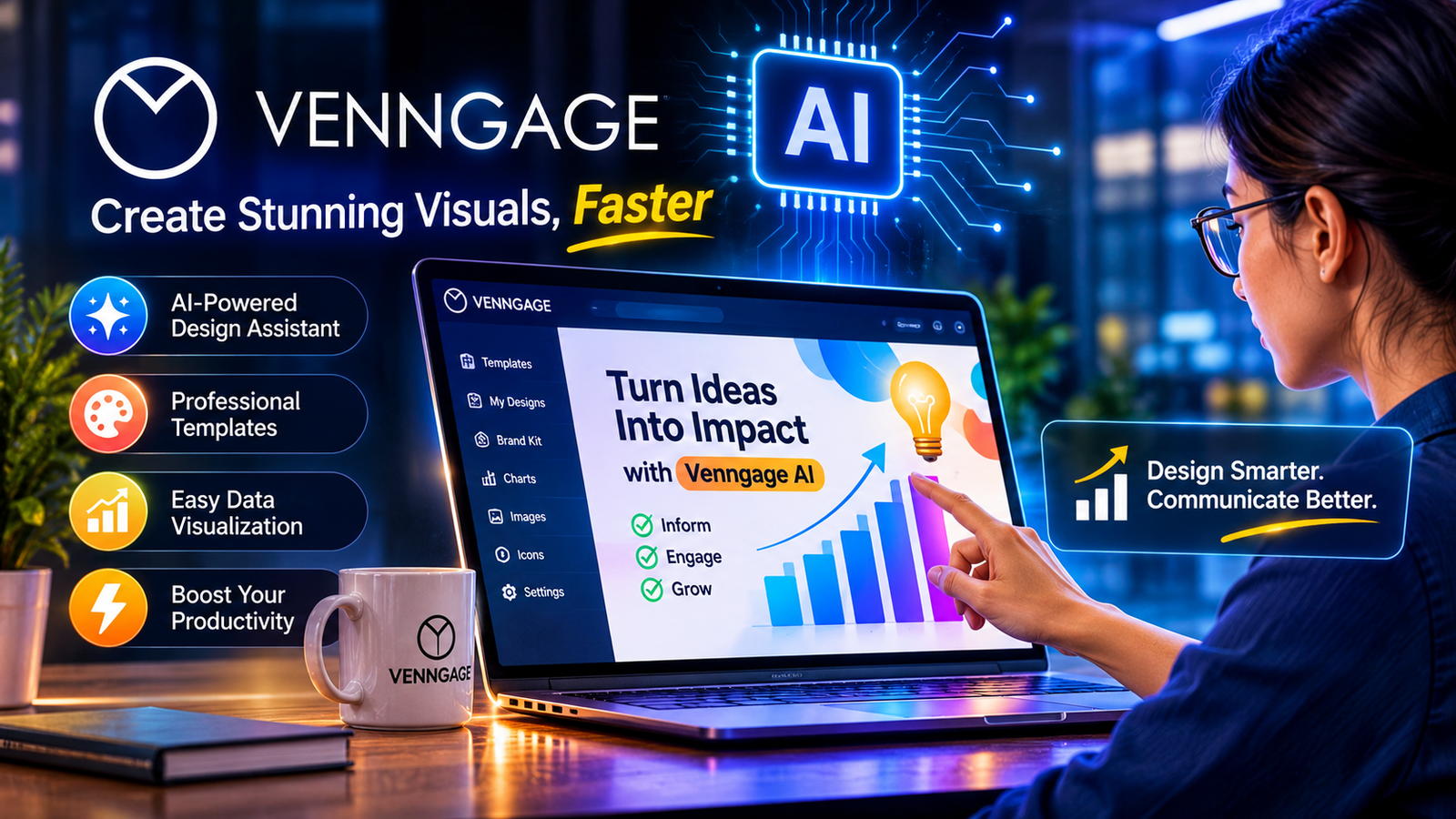
Venngage AI is an AI-powered visual design tool that helps users create infographics, reports, charts, and other professional graphics from text prompts and uploaded content. It combines AI-assisted generation with an editable design editor, making it useful for businesses, educators, marketers, and teams that need polished visual communication without advanced design skills.
Venngage AI at a Glance
- Main purpose: AI-assisted infographic creation and visual communication.
- Core capabilities: Text-to-infographic generation, AI editing, image generation, icon creation, and AI-assisted writing.
- Supported content: Infographics, reports, charts, presentations, diagrams, and marketing materials.
- Free access: Available with limited designs and AI functionality.
- Paid pricing: Premium starts at $10/month with annual billing; Business starts at $24 per user/month with annual billing.
- Best suited for: Organizations and individuals creating structured, information-rich visual content.
What Is Venngage AI?
Venngage is an online visual communication platform that combines traditional graphic design tools with generative AI.
Its main purpose is to help people transform complex information into understandable visual content. Instead of designing every element manually, users can describe their requirements and let AI generate an initial design.
The platform focuses particularly on information-rich graphics rather than just decorative images.
For example, users can turn:
- Business reports into visual summaries.
- Research findings into statistical infographics.
- Company procedures into process diagrams.
- Educational materials into illustrated learning resources.
- Marketing content into comparison graphics.
- Project information into timelines and roadmaps.
Venngage AI also supports document uploads. Its infographic generator accepts PDF, Word, Excel, and CSV files as source material. Users can then generate an editable visual based on their content. Text to infographic in seconds+1
The important distinction: Venngage AI is not simply an AI image generator. It is an AI-assisted design and information visualization platform.
That distinction matters when comparing it with tools designed primarily for creating artistic images or social media graphics.
How Does Venngage AI Work?
Venngage AI follows a relatively straightforward workflow. Users provide content, select a design direction, generate a layout, and refine the result.
1. Provide a Prompt or Upload Content
Start by describing the visual you want to create.
For example:
“Create a professional infographic explaining the five stages of an AI implementation project. Use a blue and white color scheme, clear icons, and a horizontal process layout.”
Alternatively, upload an existing PDF, Word document, Excel spreadsheet, or CSV file.
This approach is useful when information already exists but needs a more accessible visual presentation.
2. Generate the Initial Design
Venngage AI interprets the prompt and generates an appropriate design structure.
Depending on the project, this might include:
- Process diagrams.
- Timelines.
- Statistical infographics.
- Comparison layouts.
- Data-driven reports.
- Framework illustrations.
Users can also begin with an existing template rather than generating everything from scratch.
3. Edit the Generated Infographic
The generated design is editable, which is one of the platform’s important advantages.
Users can adjust text, change colors, replace images, modify layouts, and update chart information.
The conversational editing experience also allows users to request changes through natural-language instructions.
4. Apply Branding and Improve Content
Businesses can use brand colors, fonts, and logos to maintain visual consistency.
Venngage’s AI Writing Assistant can also help rewrite, shorten, expand, or improve text.
Its Brand Kit and AI branding capabilities provide additional automation for Business users. Text to infographic in seconds+1
5. Export or Share the Finished Design
Once the infographic is ready, users can share it through a public link.
Paid plans provide additional options, including private sharing and downloadable formats.
The available export formats depend on the subscription. This is particularly important for users who need presentation-ready or print-ready materials.
Key Features of Venngage AI
Venngage AI combines several creative and productivity features within one editing environment.
AI Infographic Generator
This is the platform’s central AI capability.
It converts prompts and existing content into structured infographics. The tool can organize information into sections, visual elements, charts, and explanatory components.
It is particularly useful for presenting complicated information without overwhelming readers.
AI Designer
The AI Designer works as a conversational design assistant.
Users can request adjustments to text, colors, layouts, and visual elements without manually navigating every editing option.
This makes iterative design more accessible to people without professional graphic design experience. Venngage Knowledge Base
AI Image Generator
The image generator converts written descriptions into visual assets.
Users can describe a subject and choose between different visual approaches, including photorealistic and illustrative styles.
This helps users create supporting imagery without leaving the design environment. Venngage Knowledge Base
AI Icon Generator
Icons help explain concepts quickly, especially in business presentations and educational infographics.
Venngage AI allows users to generate custom icons through text descriptions.
The available styles include 3D, bold, monotone, outline, and sticker-style designs.
AI Writing Assistant
Visual communication depends on more than attractive graphics.
Long explanations, complicated sentences, and poorly organized information can make an infographic difficult to understand.
The AI Writing Assistant helps users refine their copy directly inside the editor.
It can assist with:
- Shortening lengthy explanations.
- Improving sentence clarity.
- Rewriting headings.
- Expanding descriptions.
- Adjusting content for visual layouts.
AI Translation
The translation feature helps users adapt existing designs for different languages.
This can be useful for international businesses, educational organizations, and multilingual marketing campaigns.
However, translated content should still receive human review, particularly when it contains technical terminology or industry-specific language.
AI Charts and Data Visualization
Venngage offers specialized AI tools for creating data-focused graphics.
These include:
- AI chart generation.
- AI data infographic generation.
- AI graph generation.
- AI comparison infographics.
- AI curve graphs.
- AI statistics graphics.
Users can also edit generated charts and change their underlying information. The platform documents support for different chart formats, including bar, column, pie, funnel, and heat map visualizations. Text to infographic in seconds
Brand Kits and Visual Consistency
Brand consistency is important when creating multiple business documents.
Venngage’s Business plan provides Brand Kits that help teams apply their brand colors, fonts, and logos across designs.
Its AI branding functionality can also help automate parts of this process.
For organizations producing recurring reports, marketing materials, and internal communications, this can reduce repetitive formatting work.
Main Use Cases: Who Can Benefit From Venngage AI?
Venngage AI has several practical applications across professional and educational environments.
| User Type | Practical Application |
|---|---|
| Digital marketers | Campaign infographics, social graphics, and lead magnets |
| Business teams | Reports, strategy diagrams, and presentations |
| Educators | Learning materials, visual lessons, and classroom resources |
| HR departments | Employee onboarding and training materials |
| Consultants | Client reports, frameworks, and process diagrams |
| Researchers | Statistical summaries and research visualizations |
| Content creators | Blog graphics, comparison charts, and educational visuals |
Marketing and Content Creation
Marketing teams frequently need to convert written information into visual assets.
For example, a marketer can turn a lengthy blog post into an infographic highlighting its main findings.
The resulting graphic can support blog engagement, social distribution, email campaigns, and downloadable resources.
Business Reporting
Businesses often communicate complicated information through spreadsheets and lengthy documents.
Venngage AI can help turn this material into visual summaries.
Examples include quarterly performance reports, project timelines, operational procedures, and organizational charts.
However, users should verify that every chart accurately represents its original dataset.
Education and Training
Teachers and trainers can use the platform to simplify complicated subjects.
A lesson about climate change, business management, or computer science can become a visual explanation with diagrams and supporting information.
HR departments can also use it to create employee onboarding materials and internal training guides.
Research and Data Communication
Researchers can use infographics to present statistical findings and explain complex relationships.
For instance, a research team might transform survey results into a comparison infographic.
The main advantage is improved presentation, not automatic scientific validation. Researchers must still verify their data, methodology, and conclusions.
Venngage AI Pricing in 2026
Venngage offers multiple subscription options. Its pricing page currently displays different prices depending on whether users select monthly or annual billing.
The following prices are the displayed annual-billing rates checked on November 24, 2026. All amounts are in US dollars. Venngage
| Plan | Displayed Price | Main Features |
|---|---|---|
| Free | $0 | 5 designs, 80 daily AI credits, public sharing |
| Premium | $10/month | Unlimited designs, 160 daily AI credits, PNG exports |
| Business | $24/user/month | 1,600 daily AI credits, Brand Kits, PDF and PowerPoint exports |
| Enterprise | From $499/month | Advanced team features, dedicated account manager, additional controls |
Is Venngage AI Free?
Yes. Venngage provides a free plan for users who want to explore its design tools.
The free plan currently includes:
- Five designs.
- 80 daily AI credits.
- Public sharing.
- Six image uploads.
- Access to basic design resources.
However, the free plan has important restrictions.
Users who need unlimited designs, private sharing, or more advanced export options may need a paid subscription.
Understanding the AI Credit System
One important pricing detail is Venngage’s shared AI credit allowance.
According to its November 11, 2026 support documentation, daily credits are distributed as follows:
| Plan | Daily AI Credits |
|---|---|
| Free | 80 |
| Premium | 160 |
| Business | 1,600 |
| Enterprise | 1,600 per user |
These credits are shared across supported AI features.
Generating images, creating icons, improving text, translating designs, and other AI actions can consume credits. The amount used depends on the feature, model, and complexity of the task.
Credits automatically refresh daily. Venngage Knowledge Base
Editorial insight: Do not evaluate the subscription price alone. Consider how many AI-assisted actions your typical project requires and whether the export restrictions affect your workflow.
Also, verify the checkout price before subscribing. Promotions, billing periods, taxes, and regional payment conditions can change the final amount.
Benefits of Using Venngage AI
Venngage AI offers several advantages for people who regularly communicate information through graphics.
1. Reduces Manual Design Work
Creating an infographic manually involves selecting layouts, arranging elements, formatting text, and adjusting visual hierarchy.
AI-assisted generation can handle much of the initial structure.
Users can spend more time reviewing information and refining the final result.
2. Makes Data Easier to Understand
Raw statistics are not always easy to interpret.
Charts, comparisons, timelines, and diagrams can make relationships between different data points more understandable.
This is particularly valuable for business reporting and educational content.
3. Supports Non-Designers
Users do not need advanced graphic design skills to get started.
Templates and AI-generated layouts provide a starting point for people who understand their subject but lack design experience.
4. Combines Multiple Creative Tools
Venngage brings writing assistance, image generation, icon generation, translation, and infographic editing into one environment.
This reduces the need to switch between multiple applications during a typical design project.
5. Helps Maintain Brand Consistency
Businesses producing recurring visual content can benefit from reusable brand settings.
Brand Kits help teams maintain consistent colors, fonts, and logos across their materials.
6. Supports Different Content Formats
The platform goes beyond standard infographics.
Users can create reports, flyers, presentations, diagrams, newsletters, and other visual materials.
This makes it useful for several departments within the same organization.
Limitations and Potential Drawbacks
Despite its capabilities, Venngage AI has limitations that users should understand before choosing a subscription.
1. AI-Generated Content Needs Human Review
AI can misunderstand instructions, omit important details, or produce misleading visual representations.
This becomes particularly important when working with financial statistics, scientific research, or business performance data.
Always compare generated charts against the original dataset.
2. Free Plan Restrictions
The free plan is useful for exploration, but its five-design limit can become restrictive.
Public sharing and limited export capabilities may also create problems for professional users.
Someone who needs regular downloadable reports will probably need a paid plan.
3. AI Credits Limit Intensive Usage
Daily credits are shared across different AI tools.
Consequently, extensive image generation, translation, and repeated editing can consume the available allowance.
Users should check how many credits individual actions consume before planning large projects.
4. Less Suitable for Advanced Graphic Design
Venngage focuses on structured visual communication.
It is not a complete replacement for advanced creative applications such as Adobe Illustrator or Photoshop.
Professional illustrators, photographers, and visual designers may require more precise control over typography, image manipulation, and complex artwork.
5. Generated Designs May Require Substantial Editing
An AI-generated infographic is a starting point, not necessarily a finished professional deliverable.
Users may need to correct spacing, improve hierarchy, replace unsuitable icons, and rewrite generated text.
The quality of the result also depends on the clarity of the original prompt and the accuracy of the supplied information.
6. Not Every Workflow Is Equally Cost-Effective
Venngage is attractive when users need recurring infographics and reports.
However, someone who only creates occasional social media graphics may find a broader or less expensive design platform more suitable.
The right decision depends on actual usage rather than the number of advertised AI features.
Venngage AI Privacy and Security: What Should Users Know?
Privacy deserves particular attention when uploading company documents, research materials, or customer-related information.
Venngage publishes an AI Privacy and Usage Policy that explains how its AI features process submitted content.
According to its policy, updated December 17, 2025:
- Venngage does not develop or train its own AI models internally.
- It states that user inputs are not used to train or improve AI systems.
- Certain AI functions rely on external third-party providers.
- User inputs may be shared with those providers to deliver requested functionality.
- The policy states that submitted content is not retained for future AI training or improvements. Venngage Knowledge Base
One important detail is the involvement of external AI providers.
Venngage identifies OpenAI as an example of a third-party provider. This means users should not assume every AI operation happens entirely within Venngage’s own infrastructure.
Is Venngage AI Safe for Business Documents?
The published policy provides useful information, but it does not eliminate every privacy concern.
Before uploading sensitive material, organizations should investigate:
- Which third-party providers process their information.
- What contractual protections apply to their subscription.
- How long different categories of information are retained.
- Whether enterprise-specific privacy terms are available.
- Whether their internal data policies permit external AI processing.
Importantly, a statement about not using inputs for AI training is not the same as a universal Zero Data Retention guarantee.
Likewise, do not assume that a particular security certification or compliance status applies without checking current documentation.
For confidential financial records, employee information, or sensitive research, obtain appropriate organizational approval before uploading documents.
Venngage AI Alternatives: Which Tools Should You Consider?
Venngage is not the only platform offering AI-assisted visual creation.
Several competitors serve similar audiences, but their strengths differ.
Venngage vs Canva
Canva is a broad design platform with AI-assisted creative features.
It supports social media graphics, presentations, marketing materials, documents, and other visual content.
Venngage is more focused on structured infographics, reports, and data communication.
Choose Venngage when your primary requirement is information-rich visual content.
Consider Canva when you need a wider range of everyday creative formats.
Venngage vs Visme
Visme focuses on presentations, reports, infographics, and interactive visual content.
It is worth considering when your work involves communicating business information through multiple presentation formats.
Venngage may be more appealing when infographic creation is the central requirement.
Venngage vs Piktochart
Piktochart is a particularly relevant competitor.
Both platforms target users who want to turn information into professional-looking graphics.
Piktochart is worth evaluating for reports, educational materials, and infographic workflows.
Venngage offers its own combination of AI-generated designs, editable charts, and branding features.
Venngage vs Adobe Express
Adobe Express is designed for accessible visual content creation.
It offers templates and generative AI capabilities within Adobe’s creative ecosystem.
Adobe Express may be more suitable for users focused on marketing graphics, image editing, and social media content.
Venngage is more specialized in structured information visualization.
Competitor Comparison
| Platform | Target User | Key Strength | Pricing Transparency | Core Limitation |
|---|---|---|---|---|
| Venngage AI | Businesses and educators | Infographics and data visualization | Public pricing | Free-plan and credit limits |
| Canva | General creators and marketers | Broad creative ecosystem | Public pricing | May require additional editing for complex data graphics |
| Visme | Businesses and presenters | Presentations and interactive visuals | Public pricing | More specialized workflows can require learning |
| Piktochart | Educators and report creators | Infographics and reports | Public pricing | Compare available AI and export allowances |
| Adobe Express | Marketing teams and creators | Creative assets and Adobe integration | Public pricing | Less specialized in complex infographic workflows |
The comparison reflects each product’s general positioning, not controlled performance testing.
My assessment: Venngage deserves consideration when information visualization is the primary objective. Canva and Adobe Express offer broader creative flexibility, while Visme and Piktochart are especially relevant alternatives for professional reports and presentations.
Who Should Use Venngage AI?
Venngage AI is most useful for people who repeatedly convert written or numerical information into visual content.
Good fit
- Digital marketers: Creating visual blog summaries, lead magnets, and campaign graphics.
- Educators: Developing visual lessons and instructional materials.
- Business professionals: Preparing reports, presentations, and organizational diagrams.
- Consultants: Turning research and recommendations into client-facing documents.
- HR teams: Creating onboarding materials and internal communication graphics.
- Researchers: Presenting verified findings through charts and infographics.
Consider alternatives
- Professional illustrators requiring advanced vector controls.
- Photographers needing sophisticated image editing.
- Video creators requiring animation and video production tools.
- Developers looking for programmatic chart rendering or a dedicated visualization API.
- Occasional users who only need a few simple social media graphics.
How to Get Better Results From Venngage AI
The quality of an AI-generated design depends heavily on the information and instructions supplied.
A vague prompt usually produces a less useful result than a specific one.
Consider the following practical improvements.
Use Specific Design Instructions
Instead of writing:
“Create an infographic about digital marketing.”
Try:
“Create a professional digital marketing infographic explaining five stages of a customer acquisition funnel. Include awareness, interest, consideration, conversion, and retention. Use a vertical layout, navy and teal colors, clear icons, short descriptions, and a business-report aesthetic.”
This gives the AI a clearer subject, structure, and visual direction.
Provide Verified Source Data
When creating statistical graphics, supply actual numbers rather than asking AI to invent statistics.
For example, provide:
- Survey results.
- Financial figures.
- Research findings.
- Project milestones.
- Performance measurements.
Then check the generated chart against the original figures.
Design for the Final Publishing Platform
An infographic intended for a printed report needs a different layout from one designed for LinkedIn.
Specify the destination before generation.
Consider:
- Text readability.
- Aspect ratio.
- Page dimensions.
- Font size.
- Color contrast.
- Export format.
Review Accessibility
Visual content should be understandable to people with different accessibility needs.
Use readable typography, sufficient contrast, descriptive labels, and meaningful alternative text.
Avoid relying exclusively on color to communicate important information.
Frequently Asked Questions About Venngage AI
1. What is Venngage AI used for?
Venngage AI is used to create infographics, reports, charts, diagrams, presentations, and other visual content. It uses AI-assisted generation and editing to help users transform written information and data into structured designs.
2. Is Venngage AI free?
Yes. Venngage offers a free plan with five designs and 80 daily AI credits. However, features such as unlimited designs, private sharing, and advanced exports require eligible paid plans.
3. Can Venngage AI create infographics from PDF files?
Yes. Its AI infographic generator accepts PDF, Word, Excel, and CSV uploads. Users can provide existing content and generate editable infographics based on that information.
4. Is Venngage AI better than Canva?
Neither platform is universally better. Venngage is particularly relevant for infographics, reports, and data visualization, while Canva offers a broader collection of creative design tools and content formats. The better choice depends on your requirements.
5. Does Venngage AI use uploaded content to train AI models?
According to Venngage’s published AI Privacy and Usage Policy, it does not use user inputs to train, refine, or improve AI systems. However, certain AI features share submitted information with external providers for processing, so users should review the privacy terms before uploading sensitive material.
Conclusion
Venngage AI is a practical visual communication platform for people who need to transform complex information into accessible graphics.
Its strongest capabilities include AI infographic generation, editable charts, conversational design assistance, image and icon generation, and business branding tools.
However, it is important to understand what the platform does best. It is primarily an information visualization solution, not a complete replacement for professional graphic design software.
The free plan provides an opportunity to explore its capabilities, while paid subscriptions offer additional design capacity, export options, and collaboration features.
For marketers, educators, consultants, and business teams, Venngage AI is worth evaluating. Before subscribing, compare the daily AI credit allowance, export restrictions, privacy requirements, and actual design needs.
Ultimately, the best results come from combining AI-assisted design with accurate source information and human editorial judgment.

Alex Carter is a technology writer at AI SpaceZ.com, who covers AI tools, software reviews, practical tutorials and emerging artificial intelligence trends. He aims to make AI easier to understand and help readers discover useful tools and technologies for everyday productivity.